UT AI Tools Guide - AI工具与学生福利指南
免责声明:本指南并非 UT 官方文件。使用资格、额度与申请要求请以以上官方页面为准。
UT ChatGPT + Claude(UT 提供的免费 AI 工具)
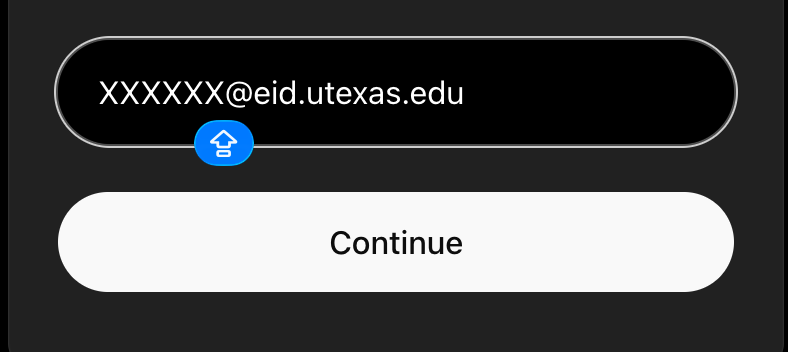
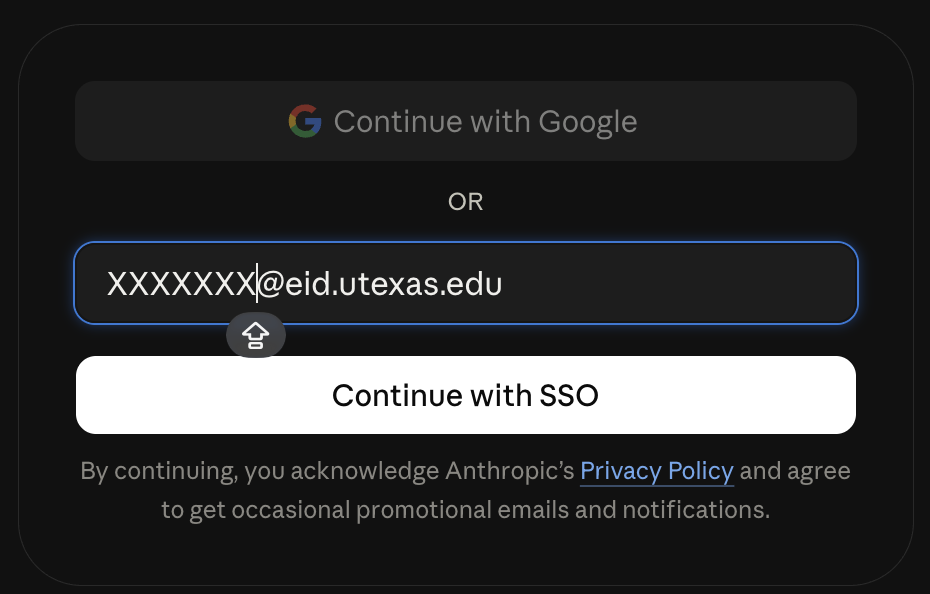
UT lists free ChatGPT EDU and Claude EDU access for students, faculty, and staff. Follow the login links on UT AI Tools and sign in with [your EID]@eid.utexas.edu. That page also links to AI Studio for access requests and plan details.
UT 为学生、教职员工提供免费的 ChatGPT EDU 和 Claude EDU。请从 UT AI Tools 官方页面进入,使用 [你的 EID]@eid.utexas.edu 登录;申请入口及套餐详情见该页面的 AI Studio 链接。
Codex Access(Codex 使用权限)
The community screenshot below shows Codex access on a UT account. Check your assigned plan and workspace settings in AI Studio before relying on this feature.
下方社区截图展示了 UT 账户中的 Codex。使用前请通过 AI Studio 核实自己获分配的套餐与工作区权限。
UT GPT — Codex access
Claude Code Access(Claude Code 使用权限)
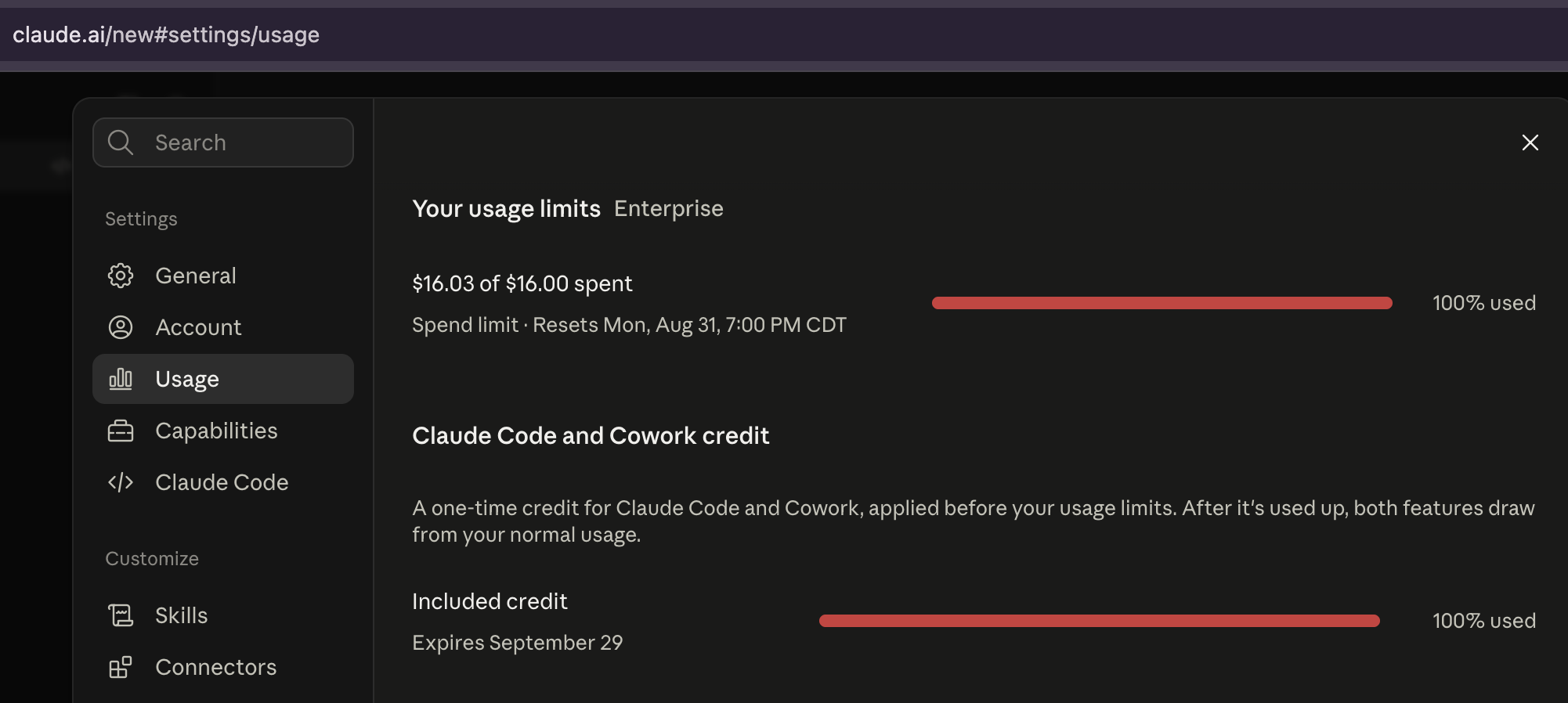
The community screenshots below show Claude login and Claude Code access. Availability depends on your assigned license; consult the Claude license information linked from UT AI Tools.
下方社区截图展示了 Claude 登录及 Claude Code。可用功能取决于获分配的许可,请查看 UT AI Tools 页面链接的 Claude 许可说明。
UT Claude — login with EID email
UT Claude — Claude Code access
Kiro Students(Kiro 学生福利)
UT Austin is on Kiro's eligible-school list. Verified students aged 18 or older can receive 1,000 credits each month for one year, without a credit card.
UT Austin 在 Kiro 支持的学校名单内。年满 18 岁并通过认证的学生可获一年内每月 1,000 额度,无需信用卡。
- Open Kiro Students and sign up or log in with Google, GitHub, or AWS Builder ID. Associate your university email with that account.
打开官方学生页面,使用 Google、GitHub 或 AWS Builder ID 注册或登录,并关联学校邮箱。 - On the account usage page, choose verification in the student eligibility banner and complete SheerID verification. Enrollment documents may be requested.
在账户用量页面的学生资格提示中开始 SheerID 认证,按要求提交在读材料。 - Check your account for activation. Unused monthly credits expire; after the year, the account returns to the free tier.
在账户内确认福利生效。每月未用额度不结转,一年结束后账户转回免费套餐。
GitHub Education(GitHub 学生福利)
Applicants need a personal GitHub account, current enrollment in a degree- or diploma-granting program, proof of student status, and must be at least 13.
申请人须年满 13 岁、拥有个人 GitHub 账户,正在攻读学位或文凭,并提供在读证明。
- Add and verify your academic email when required by the application. Prepare a dated student ID, class schedule, transcript, or enrollment letter.
根据申请要求添加并验证学校邮箱,准备带在读日期的学生证、课表、成绩单或在读证明。 - Open Education benefits, select “Start an application,” complete the form, and submit.
打开教育福利设置,选择“Start an application”,填写并提交申请。 - Check your application status there. After approval, follow the Education portal's instructions to activate the available benefits and partner offers.
在该页面查看申请状态。获批后按照教育门户指引启用可用福利与合作伙伴优惠。
Need an enrollment letter? See Texas One Stop: Verify Enrollment.
需要在读证明?请查看 Texas One Stop 的在读证明申请页面。
Useful Links & Resources(实用链接与资源)
Official UT AI Pages(UT 官方 AI 页面)
- UT AI Initiative — UT AI overview(UT AI 项目概览)
- UT AI Tools — Access, plans, and support(使用入口、套餐与支持)
内容来源: UT AI Tools、Kiro Students、GitHub Education 官方文档及社区截图 | 更新时间: 2026年9月
Sources: UT AI Tools, Kiro Students, GitHub Education documentation, and community screenshots | Last Updated: September 2026
UT AI Tools · Kiro Students · GitHub Education: application requirements(申请要求)